Follow-ups
See every pastoral-care, outreach and visitor-callback task in one place, narrow the list to what you need, log a new one without opening a profile, and take it through its lifecycle.
All lessons 6 lessons, about 6 min
- 1
 See Every Follow-Up Across Your ChurchEvery pastoral-care task, visitor callback and prayer follow-up your team owes someone, in one church-wide list. The most urgent ones surface first.
 - 2
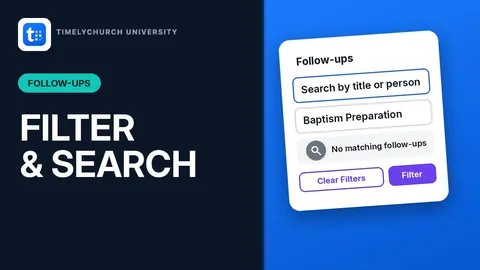 Filter and Search the Follow-ups ListNarrow a busy follow-up list down to exactly what you're looking for, by person, category, assignee or how soon it's due.
 - 3
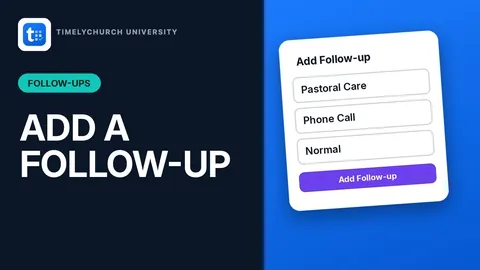 Create a Follow-Up Without Opening a ProfileSomeone needs a call, a visit or a prayer follow-up? Log it right from the church-wide list, with no need to find their profile first.
 - 4
 Complete a Follow-up
 - 5
 Edit a Follow-Up's Details and StatusChange the due date, hand a follow-up to someone else, or mark it In Progress or Completed, with a real place to write what happened.
 - 6
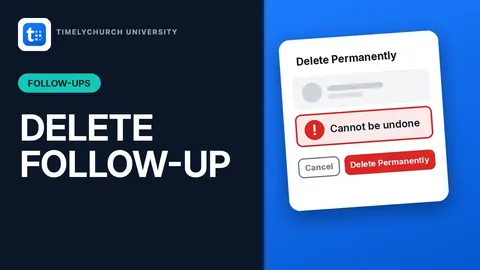 Delete a Follow-UpRemove a follow-up for good, with a confirmation that names the exact task so you know what you're deleting.