Built Around the Safety of Every Child
From the moment a child checks in to the moment they leave your building, every layer of the system is designed to keep them safe and staff informed.
Allergy Alerts on Every Label
Food allergies, medical notes, and special needs stored on the child's profile print prominently on the name tag — visible at a glance so no volunteer is ever caught off guard.
Authorized-Pickup Matching
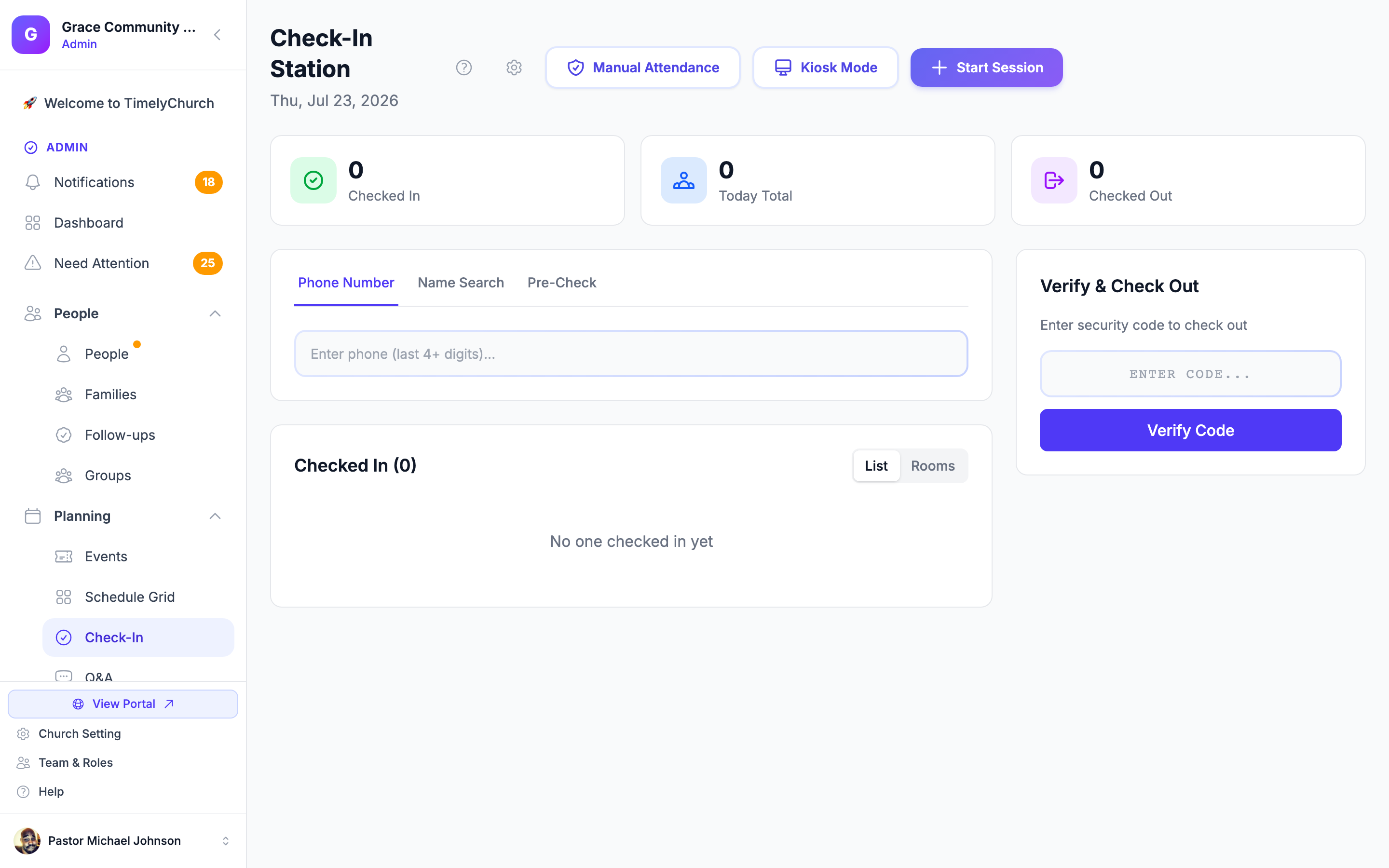
Only adults whose security code matches the child's label can complete pickup. Unauthorized individuals — including those not on the authorized list — are flagged before a child ever leaves the room.
Emergency Lockdown
One tap in the admin dashboard freezes all check-out activity across every kiosk and room instantly — giving staff the seconds they need to secure the building without confusion.
Room Capacity & Ratios
Set per-room capacity limits and child-to-volunteer ratio thresholds. The live dashboard highlights any room approaching its limit so coordinators can redirect check-ins or call in an additional volunteer before it becomes a problem.