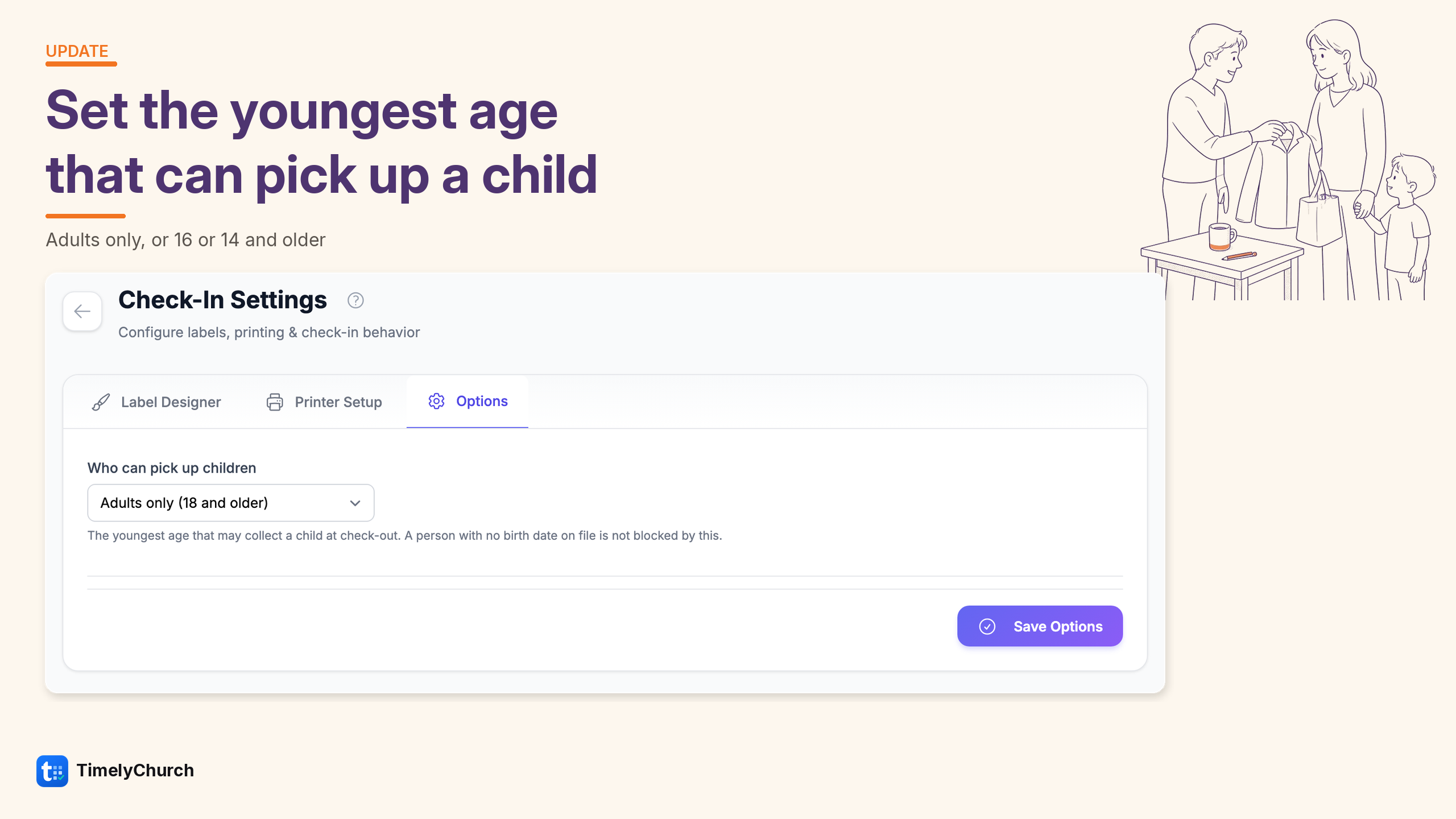
Two small settings for Sunday morning: who may collect a child from check-in, and where the songs go in your service plan.
Who can pick up children
Some churches are glad to let a teenage brother or sister collect a child. Others want adults only. You choose.
Go to Check-In, click the Settings gear, open the Options tab and find Who can pick up children. The choices are Adults only (18 and older), 16 and older and 14 and older. Click Save Options.
The age is the youngest person who may collect a child at check-out. If a family lists someone younger than your setting as an authorized pickup, check-out will not accept that person. A person with no birth date on file is not blocked by this setting, so add birth dates for the people you want it to cover. Until you choose, the setting is adults only.
Only a church administrator can change it. Everyone else with access sees the setting and a note saying so.
Worship spots in the service plan
Open an event that has a service plan, then its Service Plan tab. Click Quick, and under Quick Add Items choose Worship spot. Click the name on the new spot to rename it, and drag it to where the music happens in the service.
The songs in that spot come from the worship leader's setlist. You see each title, key and length, and you cannot change them here. Until the leader adds songs, the spot reads Waiting for the worship leader. If you can edit the setlist, Edit in setlist takes you there.
Your worship leader can also suggest a spot. Suggestions show up at the top of the plan under Suggested by your worship leader, and Place puts one in the order of service. If the leader changes the songs after you last looked, a label next to the heading reads Changed today or Changed with the date.
💬 Got an idea, or something bugging you? Share your feedback — it shapes what we build next.
We're here to help,
The TimelyChurch Team