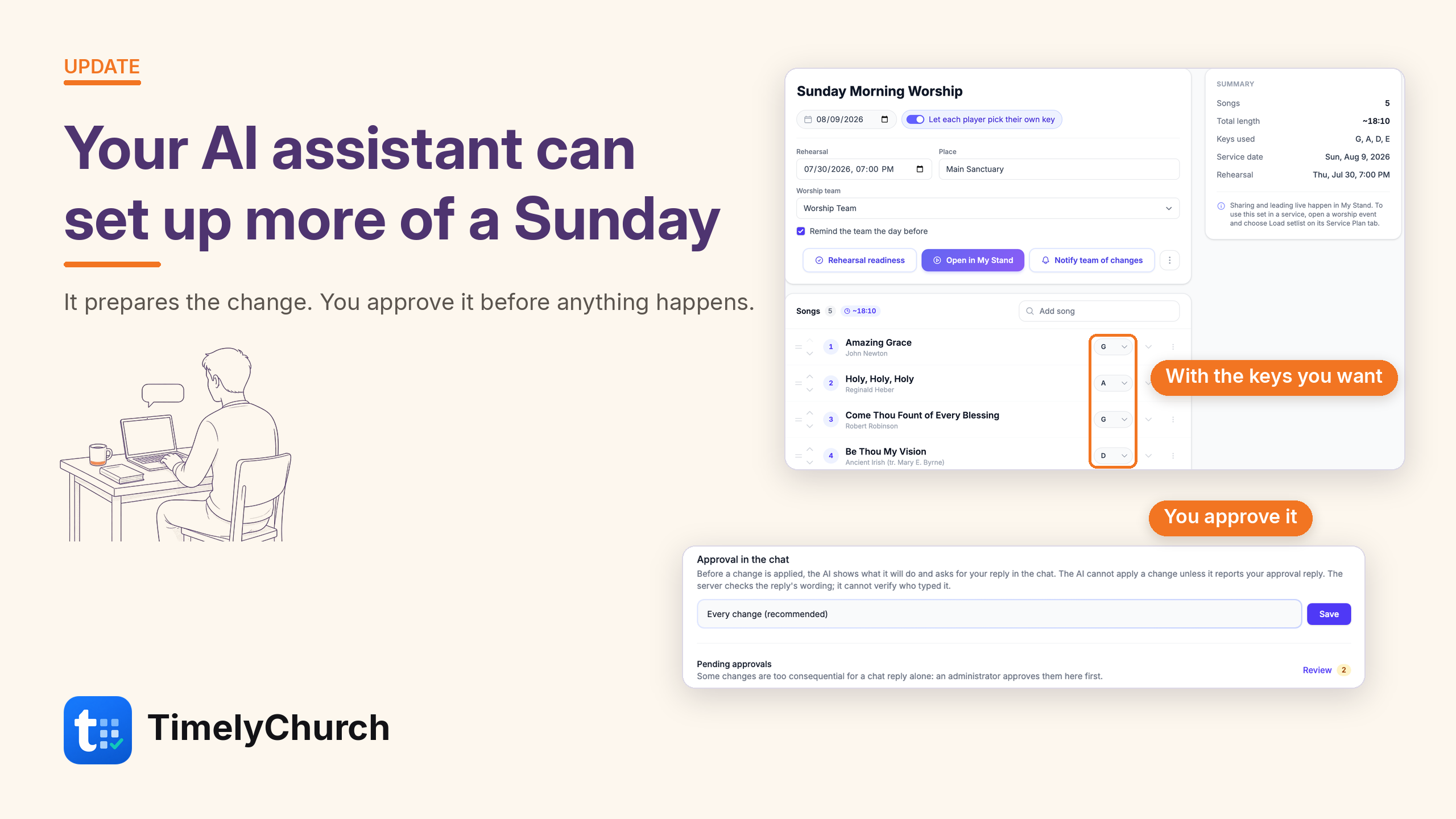
If you have connected an AI assistant to TimelyChurch, it can now take on more of the routine setup. You tell it what you need, it prepares the change and shows it to you, and nothing happens until you approve it in TimelyChurch.
What it can prepare now
- A set list for a service, from the songs in your library, with the keys you want.
- A repeating event, such as a weekly prayer meeting. It can also move one date and every date after it.
- Adding a person to a family or a group, and making someone a group's leader.
- Merging two records that turn out to be the same person. A church administrator approves a merge.
AI assistants like ChatGPT or Claude have a setting that decides whether your conversations may be used to train their models. If you'd rather your church's information not be used that way, turn that setting off before you connect.
Also in this release
- The alert for a child nobody has picked up always reaches an adult who can act.
- Editing an event keeps its waitlist and Q&A switches, and editing a repeating event keeps how it ends.
- Duplicate keeps an event's registration form, its all-day setting and its waitlist.
- On a payment form on your website, one press of Pay starts one payment.
- Bank imports: clearing a suggested payee posts the transaction with no payee.
- AI Settings now has its place in the Administration menu.
💬 Got an idea, or something bugging you? Share your feedback. It shapes what we build next.
We're here to help,
The TimelyChurch Team