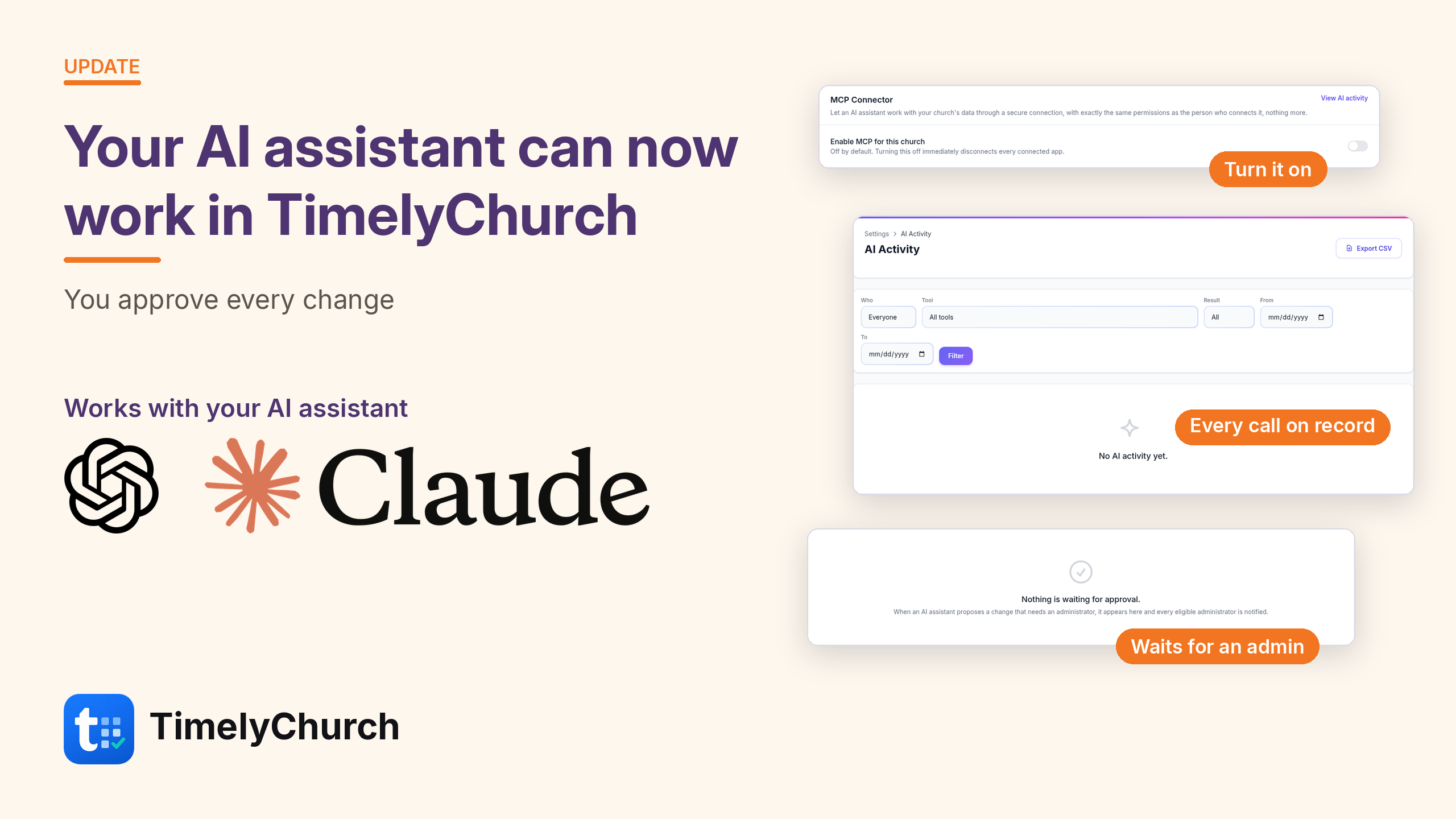
Hi there 👋 If someone at your church already uses an AI assistant, like ChatGPT or Claude, they can now connect it to TimelyChurch and give it real work: finding answers anywhere in the church, and making changes that, by default, they approve first.
It works through MCP, an open standard that connects AI assistants to the software you use. TimelyChurch supports it, so your favorite assistant can work inside your church, with your permissions.
- Ask in plain words: "Who hasn't been here in three weeks?", "Which serving spots are still open for Sunday?", "How are we doing against this year's budget?" It can look in people, groups, events, serving, worship, check-in, giving, accounting, reports and more, and it sees only what the person who connected it can already open.
- Hand it the busywork. It can make dozens of kinds of changes across people, groups, events, worship, giving and accounting: put a volunteer in an open spot on Sunday's team, add follow-ups, create an event and book the room, sort a pile of bank rows, record a pledge. Each change runs through the same steps as the button in TimelyChurch, so you see it in the app right away.
- By default, you approve every change. The assistant shows you what it will do and waits for your reply in the chat. A few big changes also wait for an administrator on the Pending approvals page. When your church has a second approver, they approve it.
- Members can use it too. When your church allows it, a member can connect their own assistant to see when they serve next, block out vacation dates, RSVP to an event or share a prayer request.
- Every call is on the record. AI Activity lists who asked, which tool the assistant used and what changed, and you can export the list.
Good to know
- It stays off until an administrator turns it on under Church Settings > Integrations > MCP Connector. Enable MCP for this church lets assistants read, and Allow AI tools to propose changes lets them propose changes.
- Who may connect limits it to the roles you choose. Everyone who can edit settings gets a notice when someone connects.
- It works with AI assistants that let you add a custom connector (MCP), like ChatGPT or Claude. Each person approves the connection for one church, and Revoke or Disconnect ends it at once.
- Donor names stay hidden unless the person who connected may see them. In attendance lists, a child shows as first name and last initial.
- A reminder: AI assistants like ChatGPT or Claude have a setting that decides whether your conversations may be used to train their models. If you'd rather your church's information not be used that way, turn that setting off before you connect.
- What it can reach in each area depends on your plan (see Pricing).
- The help article Connect an AI assistant walks through the setup.
💬 Got an idea, or something bugging you? Share your feedback. It shapes what we build next.
We're here to help,
The TimelyChurch Team