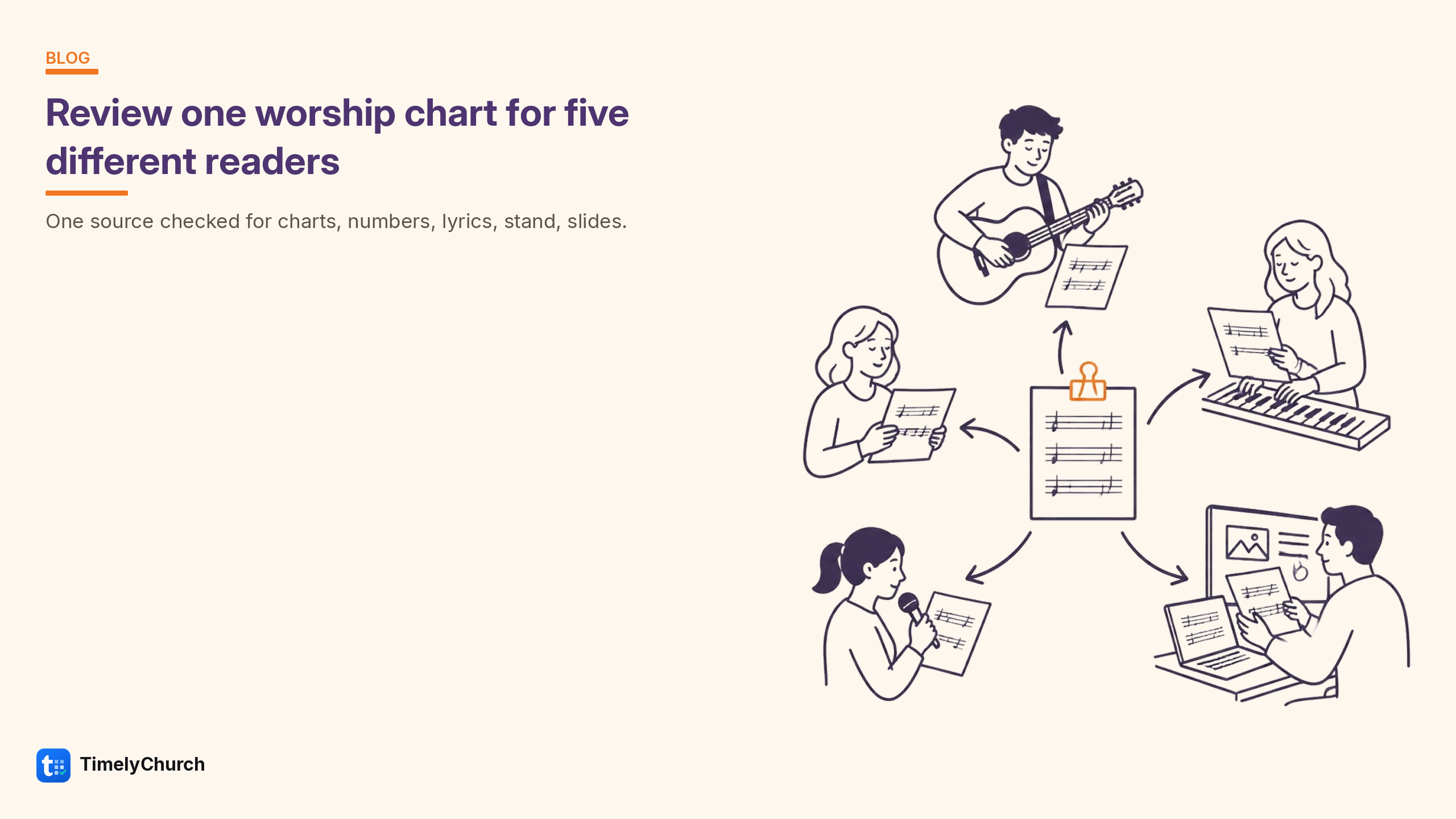
The guitarist, vocalist, and slide operator can use the same song source while needing different views of it. The guitarist needs chord changes. The vocalist needs readable words. The operator needs lyric slides that follow the service.
The benefit appears when something changes. Correcting a missing lyric once is easier than finding it in three separately typed documents. But the correction still needs to arrive in a form each reader can use.
Think of the shared source as the place for the decision. The views are a way to check how well that decision reaches different people.
Start with an approved arrangement
Confirm the version, sounding key, sections, intro, and ending. Enter the words and chords accurately, with supported formatting for band instructions. Name distinct arrangements so an acoustic version does not replace the full-band plan without anyone noticing.
In TimelyChurch's chord chart editor, Chart, Numbers, Lyrics, Stand, and Slides are five preview views of the arrangement. They help reveal different problems before the handoff.
Watch the five views on YouTube.
Ask a different question in each view
- Chart answers where the chords change. Watch for a chord attached to the wrong word.
- Numbers shows the chord relationships. Watch for an incorrect source key.
- Lyrics tells a singer what words to sing. Watch for a missing line or a stray instruction.
- Stand asks whether a musician can follow along while playing. Watch for small text or awkward navigation.
- Slides asks whether the congregation can follow. Watch for crowding or a poor phrase break.
Take a long final line with two chord changes and a held ending. In Chart, check where the harmony moves. In Lyrics, check that the full phrase remains. In Stand, try finding it while looking up at the leader. In Slides, ask whether the congregation can read it before the next advance.
The same source can pass one test and fail another. That is why reviewing the reader’s task matters more than making every output look alike.
Keep publication explicit
The editor can show a private draft. Publish the reviewed arrangement before sending normal exports, then open the exported file to confirm the intended version arrived.
The available file formats serve different destinations. A PowerPoint or ProPresenter file still needs to be opened and checked in that application. Plain text carries words for another layout; it does not preserve a finished presentation design.
The sequence strip is a navigation guide. It does not reorder the chart body or automatically repeat the exported slides. Prepare the actual presentation order with the operator.
Know what stays separate
Personal musician preferences do not rewrite the shared arrangement. Downloaded files do not continuously update themselves. A presentation imported earlier needs refreshing when a relevant correction is exported.
Similarly, translated text needs its own human review and publication. A clean original-language chart does not establish that the translation is complete.
Trial the handoff with one song
Choose a song the team knows, review the five views, and ask one instrumentalist, one singer, and the operator to use their version. Record the questions they encounter.
Correct shared content at the source, then regenerate the affected outputs. That is where a common arrangement saves work: one clear correction can be carried consistently to everyone who needs it.
Try the chord chart editor with one song and the people who use its different outputs. Follow one correction through their views. You should be able to reduce repeated editing while keeping the practical review each person needs.