An occasional slide operator needs to know which file to open, where the service starts and how to recover if the wrong words show up. That confidence comes from a complete handoff and a short rehearsal.
A seasoned musician can sense an extra chorus coming from a glance at the leader. A volunteer who runs the booth once a month may not read that signal at all. They need an agreed cue and a presentation that makes it easy to get back.
Prepare for the person who does not already know every song. Then the role is easy to cover when your regular operator is away.
Prepare the performance order
Confirm song order, sections, repeats and endings with the worship leader. Make those choices easy to follow inside the presentation so the operator is not searching for a chorus mid-song.
If a repeat is open-ended, agree on the cue the leader will give and how the operator will get back to that section.
TimelyChurch's slide files follow the order of sections in the chart. The Sequence strip in the chart editor, with chips like V1, C, V2, C, is a guide for the band. It does not rebuild the slides in that order, so a repeated chorus has to be arranged in the presentation program. Publish the chart first, check the Slides tab in the preview, then open the downloaded file in the program the booth uses.
Give the operator a one-page card
Include only what they need for this service:
- The dated file or playlist to open.
- The starting slide and the first cue.
- Song order and any unusual repeats.
- The tested control that clears the right screen.
- How to resume, and who to ask for help.
- Where the backup copy lives.
Use the exact labels from your own setup. "Blank the screen" is not enough when the room and the stream use different outputs.
Rehearse three recoveries
With the room empty, practice going back after an accidental advance, finding a repeated chorus and clearing the correct screen during a pause. Look at what the congregation screen really shows.
During the run-through, ask for the chorus again on purpose. Let the operator find it using the route you agreed on, then carry on. If they have to dig through many nearly identical slides, change the presentation or explain the navigation better.
A deck can look tidy and still ask too much searching at singing speed. A short rehearsal shows that before the volunteer has an audience.
Close the change window on purpose
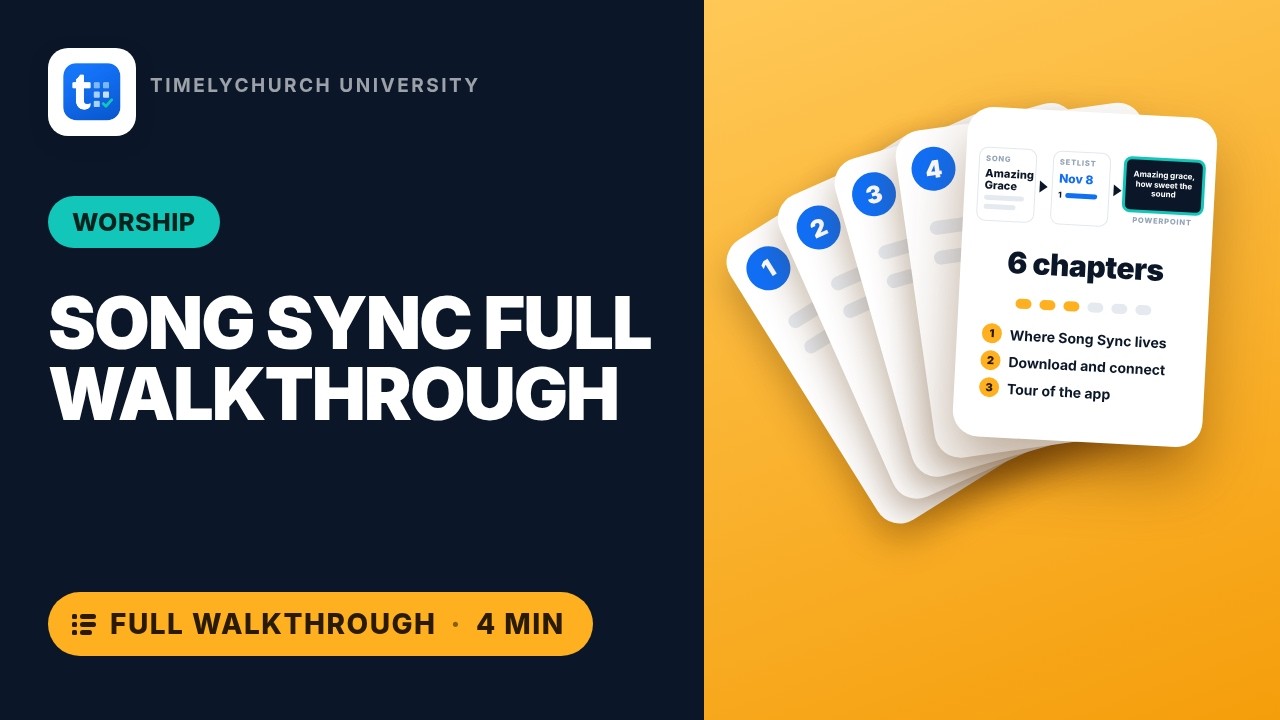
After the final review, tell the operator which copy is approved. If lyrics change, name the song and the replacement file. If Song Sync puts fresh files on the media computer, the operator still has to update the presentation loaded in the program.
Here is how Song Sync gets fresh files onto the media computer.
For the band, Lead live in My Stand is a separate tool. The leader starts it and the band's charts follow to the same song, each musician keeping their own key and settings. It does not advance the congregation's slides. Make sure each person knows whose cue they follow.
Review the handoff after Sunday
Ask where the operator had to guess. Fix the file, the label or the instruction that caused it before you add more controls or training.
Good preparation leaves the volunteer free to follow the service, and it lets someone else cover the role without piecing together the last operator's habits.
When you are ready to try it, have the person who will receive the exports from TimelyChurch run one checked song in a rehearsal.