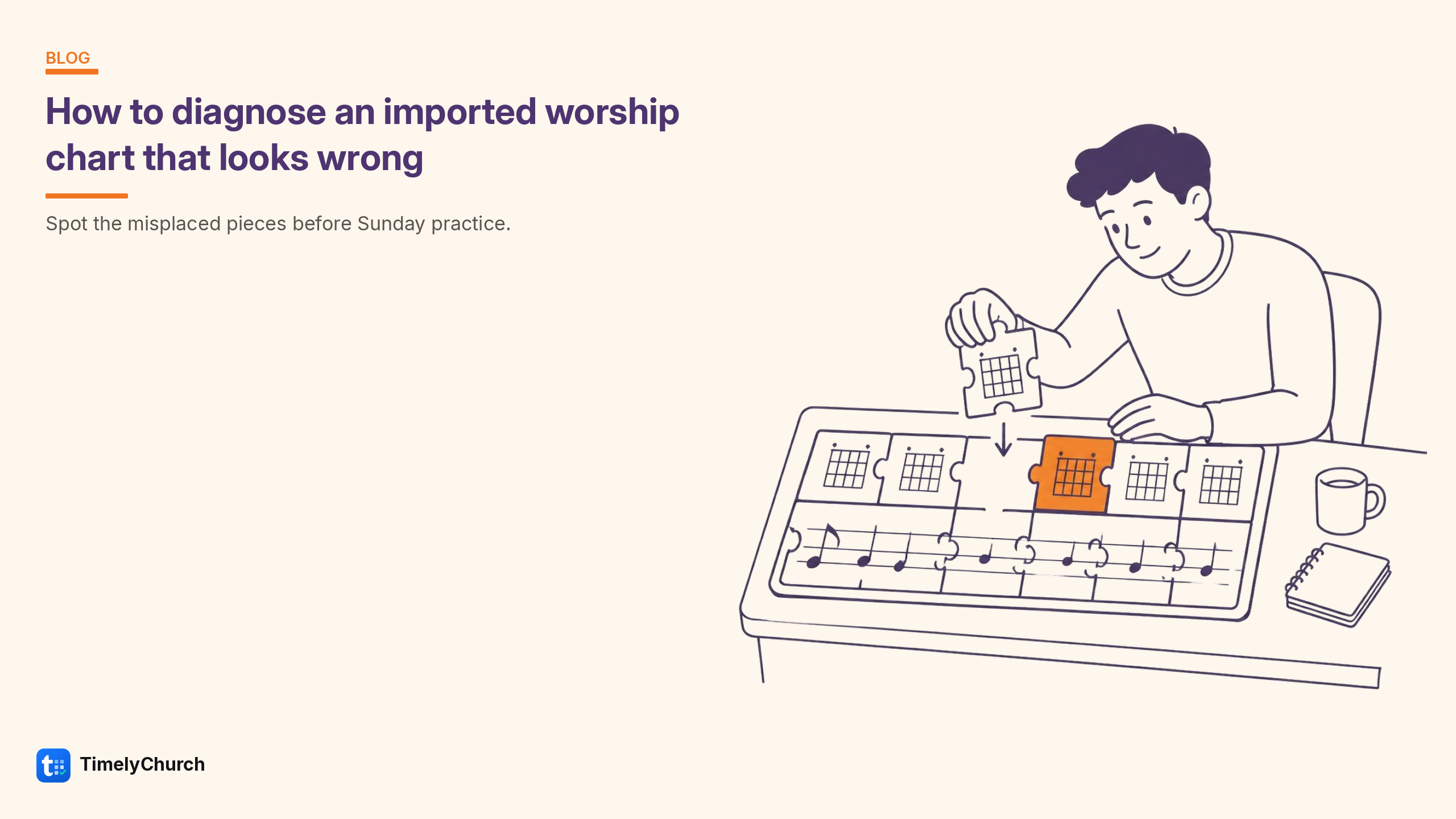
An imported chart can fail in several ways: the chords move away from the words, the key label disagrees with the music, or the sections do not match the version the team knows.
The urge to start spacing and resizing is understandable: the visible mess is right in front of you. But if the source key is wrong or the team expects another arrangement, a prettier page will still lead the rehearsal astray.
Pick the first mismatch and name what kind of problem it is. Then repair a short passage before rebuilding the whole song.
Identify the mismatch
- If chords drift across the line, check spacing, line wrapping, and chord format.
- If transposition produces unexpected chords, check the source key and whether the chord notation was recognized.
- If the chart doesn't match the recording, check the chosen arrangement and section order.
- If instructions appear in lyric slides, look for band notes entered as ordinary lyric text.
- If a downloaded file lacks your correction, check whether the change has been published.
Keep a reference copy while reviewing. Use material your church is permitted to reproduce.
Repair a short passage first
Choose a verse with several chord changes. In TimelyChurch, pasted chord-above-lyric text can be converted to inline notation, and document import provides another starting point for supported files. Both still need review.
Check where each chord changes, especially around short words, slash chords, and wrapped lines. Set the written key to match the source. Then preview a different viewing key to confirm that the intended chords were recognized.
Try changing the preview width after repairing the passage. If the chord stays associated with the intended lyric, you have addressed more than the spacing on one screen. Then test the transposition and play the passage to check its musical meaning.
Apply that successful approach to the rest of the song. Working on a small example first helps you avoid repeating the same incorrect conversion throughout the chart.
Confirm the arrangement separately
Read the section labels against the plan the leader intends to use. A chart with a coda or repeated section is not automatically defective; it may describe a different version or use navigation the team has not learned.
Choose how your band will read it. Use clear labels, complete needed sections, and a sequence guide where helpful. TimelyChurch's Sequence strip is navigational: it does not rearrange the chart body or expand the exported slides into performance order.
For a meaningfully different version, use a named arrangement so the next editor knows why it exists.
Review more than the musician chart
Check Lyrics for accidental instructions and Slides for awkward breaks or crowding. Use supported band-note formatting for information meant only for musicians.
Publish the reviewed arrangement before making the normal export. Open that export and confirm the correction appears; the editor can show a newer private draft than the downloaded file.
Finally, ask a musician to play the difficult passage and the operator to follow its slides. A chart repair is complete when the people using the material can follow the same musical decisions.
TimelyChurch's paste conversion, supported document import, and preview views can help with that repair. Bring a chart into TimelyChurch using a permitted source that has caused trouble before. Judge the result by whether a musician can follow the repaired passage and the operator receives the correct words.