A guest guitarist needs the correct arrangement and key before rehearsal. A regular team member may also need personal notes, practice tools, and rehearsal responses. Sending both people the same unexplained link can create unnecessary confusion.
For a one-off guest, extra setup can consume the very time you hoped they would spend practicing. For a regular volunteer, a new temporary link every week can make the routine harder to follow.
Begin with the person’s job and how often they will do it. Then choose the access route that gives them a complete, understandable handoff.
Start with the smallest complete handoff
For one song, send the song, arrangement, sounding key, and relevant instructions. For a service, include the dated set and rehearsal details. Tell the recipient what to do next: “Please check the bridge before Thursday” is more useful than “Here you go.”
In TimelyChurch, a shared setlist link from a Service Plan and the Stand Link let someone read the material without a normal portal sign-in. A shared setlist can have a password and an expiration date. Some shares allow a viewer to transpose locally, so do not describe every public link as a fixed PDF.
Send enough context to make the link useful: “This is the evening set for 12 October. Please prepare the acoustic arrangement of song two; we are skipping its bridge. Rehearsal is at 4.” Use your actual details and include any required password through the church’s agreed route.
Test the link in a signed-out browser first. The leader’s existing session can hide an access problem the guest will encounter immediately.
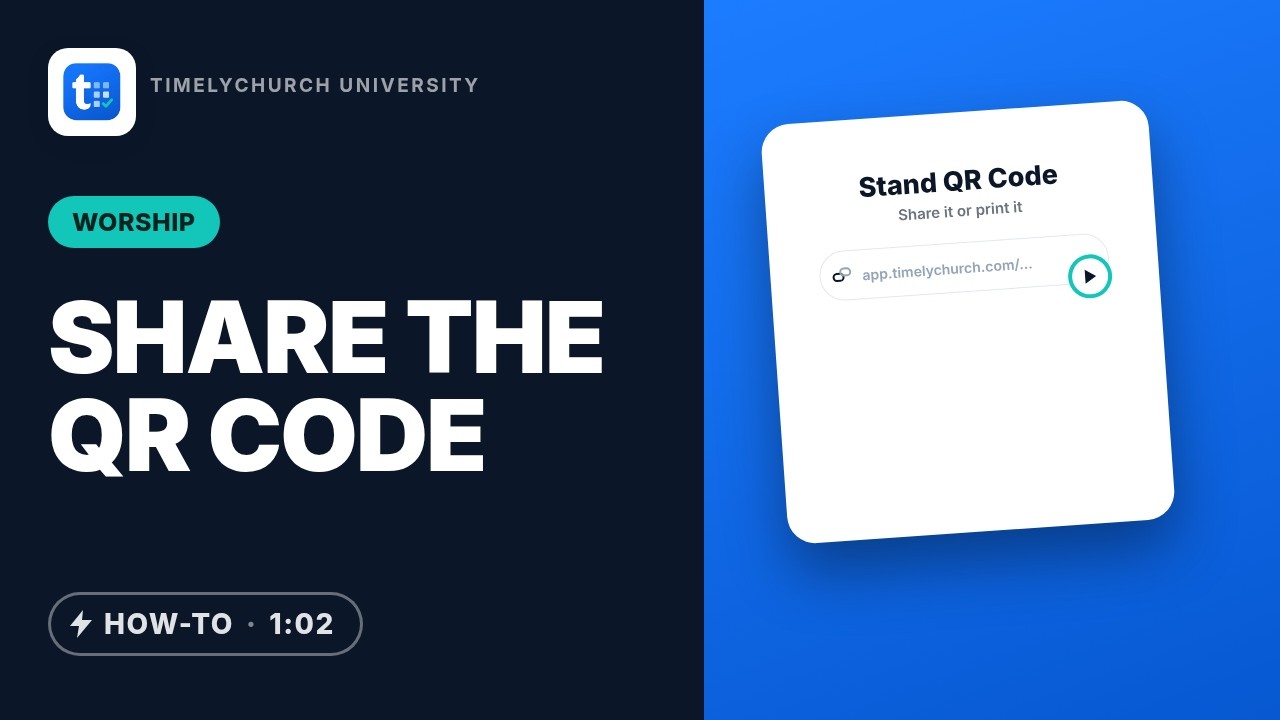
If a guest or volunteer will open the Stand from a link, this TimelyChurch University lesson shows how to share or print the Stand link QR code.
Use the established musician access for ongoing work
Regular musicians can use My Stand through the Member Portal. That gives the team an established place to find sets and use the personal and rehearsal tools available to them. TimelyChurch also has dedicated stand-link access flows; do not assume every musician must become an administrator or follow the same sign-in route.
For a guest, confirm the route your church actually uses before promising all the personal tools on a basic share page. Reading a chart, identifying a musician for personal marks, and managing the song library are different permissions.
Check the contents before sharing
Review these five details:
- The link opens the intended dated set.
- The arrangement and sounding key are correct.
- Only the attachments and notes you intend to share are exposed.
- The password and expiration suit the rehearsal and service dates.
- The recipient knows whom to contact if access fails.
A share link can be forwarded. Use its access controls thoughtfully, and share only material your church is entitled to distribute. A password limits who can open the link and says nothing about licensing.
Retire temporary access deliberately
After a one-off engagement, review links that were created for that guest. Expire or revoke temporary shares when they are no longer needed. For a returning volunteer, help them establish the regular team access instead of accumulating a different link for every week.
A good handoff is one the musician can repeat back: “This is Sunday's set, these are my parts, and this is where I check for the current version.”
Share a set from TimelyChurch if your church regularly welcomes guest musicians or rotates volunteers. Test a guest handoff from their side of the link.