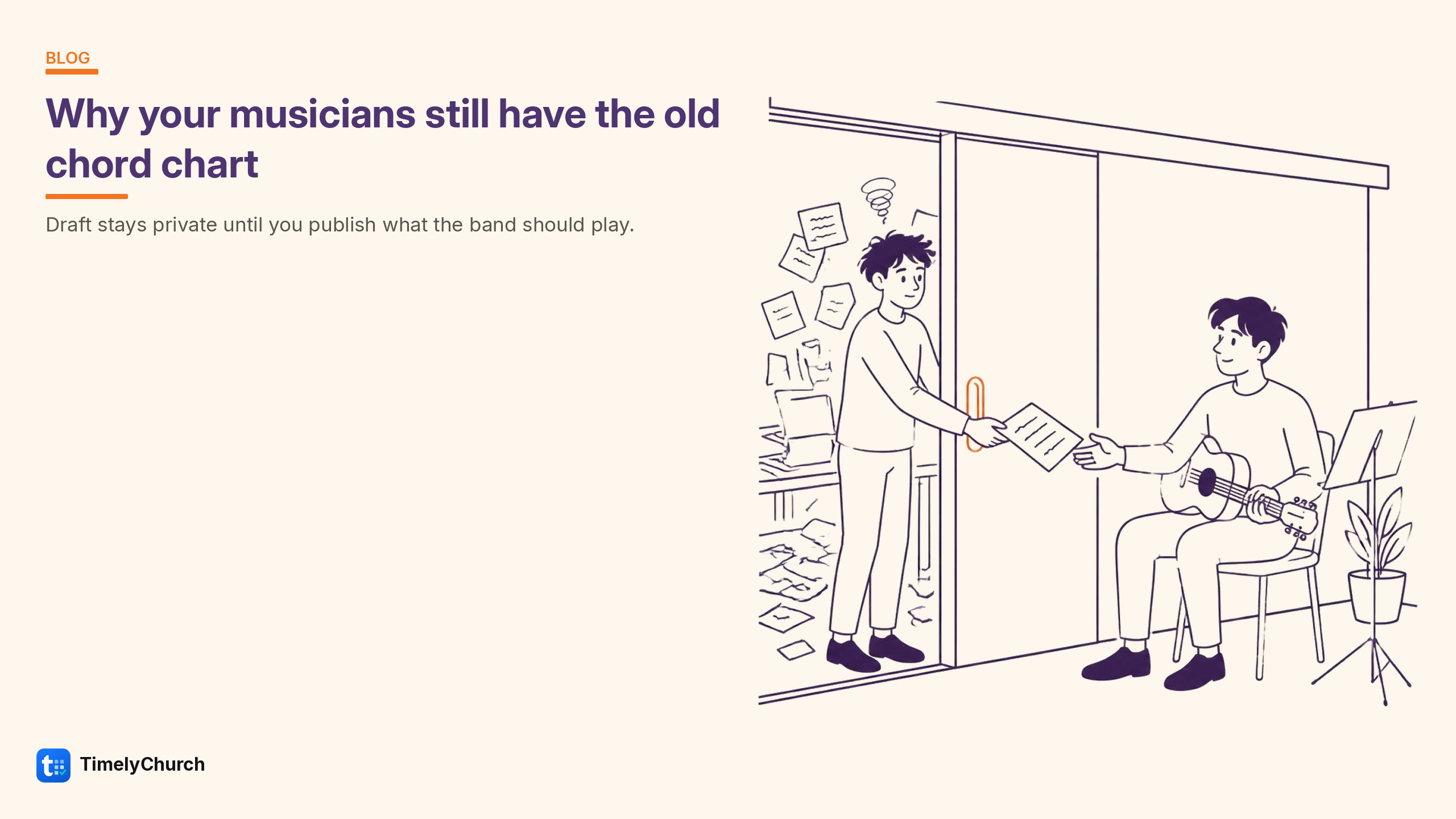
You fix the wrong chord, tidy the verse, and download the chart again. A few minutes later, a guitarist sends a message: “Is this the right file? Mine still has the old line.”
It is an easy moment to misunderstand. The editor has seen the correction, so they assume it has reached everyone else. The musician has opened the file they were sent, so they assume that is the current version. Neither person is being careless.
The missing step is often the decision to make the working chart the shared chart. That distinction matters whenever people are preparing from material that someone else is still editing.
Give people something stable to practice
There is a good reason to keep unfinished work separate. A leader may want to try a shorter bridge or change the final chorus without interrupting everyone who is already preparing the agreed version.
But keeping a draft private should not mean holding back all the useful material until the night before rehearsal. Musicians need a complete version early enough to learn their parts. Decide what must be settled before that first handoff: the arrangement, sounding key, words, and a workable ending.
Then tell the team which version to use. If you are considering another ending, say so without leaving everyone in limbo:
Use the published ending for your practice this week. We're going to try a shorter finish at rehearsal, but you don't need to learn another version before then.
That sentence lets the leader experiment while respecting the preparation already underway.
What Draft and Publish mean in the chord chart editor
In TimelyChurch, the chord chart editor can save your working changes as a private draft for the arrangement. The preview lets you see that work as you edit. Publish makes the reviewed chart the shared version.
Normal downloads use the published chart. That is why a correction can appear in your preview while an exported file still shows the older line. Before repeatedly downloading or asking a musician to clear their browser, check whether the correction has been published.
A useful habit is to publish, download a fresh copy, and read the exact passage you changed. It takes a moment and confirms the handoff more reliably than remembering that the preview looked right.
If you decide to abandon the experiment, Discard changes throws away your draft and reloads the published arrangement. It is not a history of every version your church has ever used. Keep a separately named arrangement when a different version is something you expect to use again.
Decide which changes deserve another message
Nobody wants a team notification for every space the editor fixes. Musicians do need to know when a change affects what they will play or sing.
A corrected chord, a new sounding key, a cut verse, or a different ending is worth naming. A page-layout adjustment may matter to the player who has already printed the chart, even if the music itself is unchanged.
Tell people what changed and what stayed settled. For example:
The final chord in verse two is corrected. The key and song order are unchanged. Please reopen song three, or replace that page if you've already printed the set.
This is a much smaller request than “Please check everything again.” It also helps a volunteer decide how to use the few minutes they have available.
In TimelyChurch, publishing a chart and sending a setlist notification are separate actions. Use the notice when the team needs to return to the material, and explain the musical change through your normal team communication. The built-in notice points people to the set; it is not a custom editorial note.
Follow the correction into the booth
Not every chart change affects the congregation slides. Moving a song from G to A usually leaves the lyric words alone. Adding a final chorus or correcting a lyric is different: the operator needs to check the presentation too.
A downloaded PDF, printed page, or imported presentation is a copy. Publishing a new chart does not replace those copies. Even if Song Sync delivers a fresh file, the operator still needs to open or import it into the presentation application.
For a bilingual song, give the language reviewer the changed passage as well. A small wording change can need a new translation even when the number of lines remains the same.
You do not need a large approval committee for every edit. You need one person who can say which arrangement the team will use and make sure the necessary correction reaches its readers.
Make the next correction easier
At the next rehearsal, agree on a simple convention: the published chart is the version to prepare, significant changes will be named, and corrections belong in the shared source. Ask musicians to point out problems there rather than quietly maintaining their own fixed copies.
If your team is spending too much time working out which chart is current, set up your current chart in TimelyChurch. Its chord chart editor, setlists, and My Stand can give you a clearer place to prepare and share the arrangement. Create an account and try the workflow with a song your team already knows.