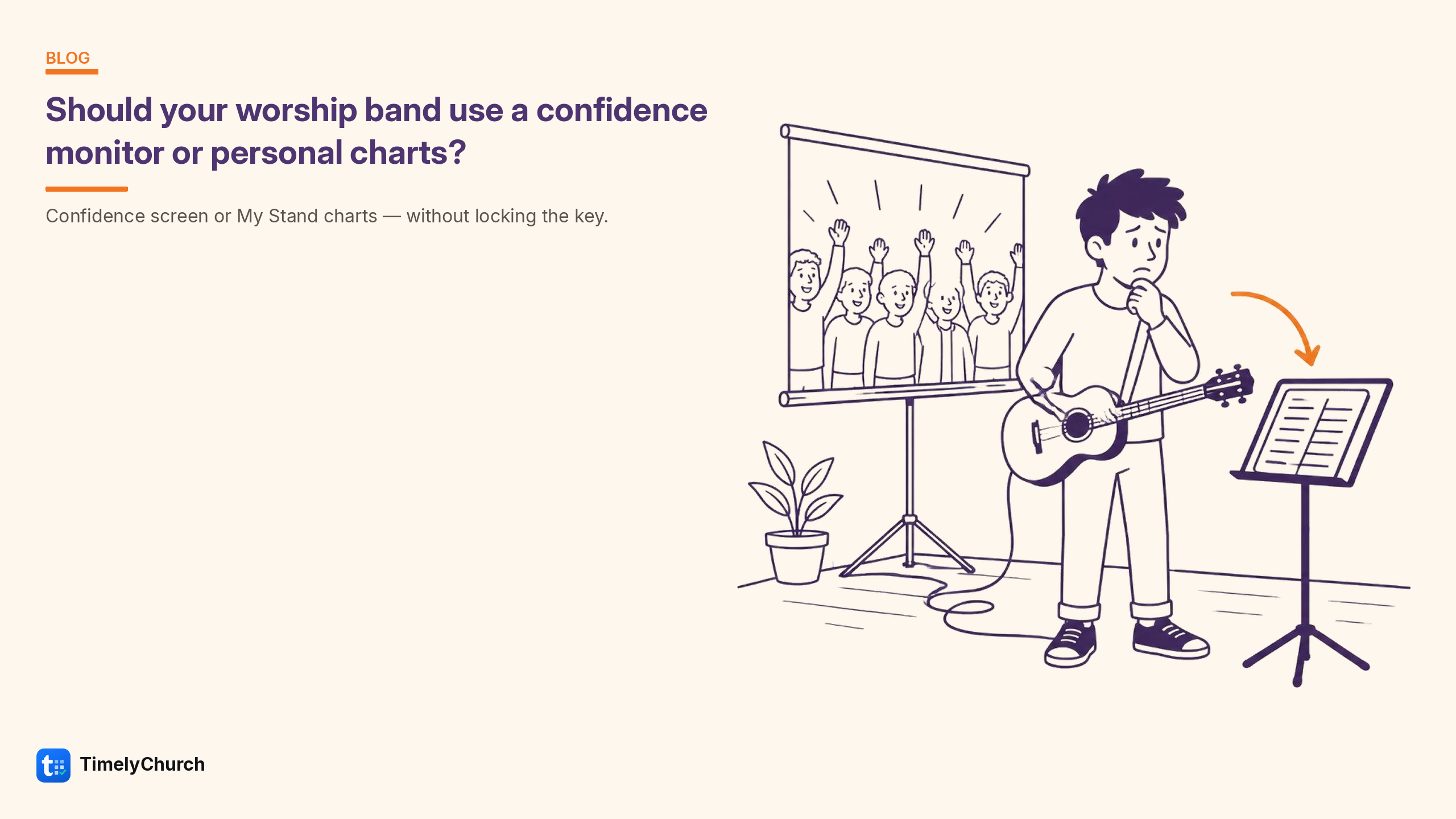
A back-wall screen can help singers see the next line. It may be less useful to a guitarist who needs chord changes or a player standing where the screen is blocked. Before moving all the band’s charts onto a confidence monitor, ask what each person must be able to read.
Imagine one guitarist reading G shapes with a capo while the keyboardist reads the sounding key of A. Both need the same song and ending, but a single chord display may suit only one of them.
So try a short rehearsal experiment before anyone buys a screen. What a player can read, and what they need to see, depends on where they stand and what they play.
Test the shared screen from each position
Stand where the drummer, keyboardist, guitarist, and singers actually stand. Show the densest material they would need. Can they read it without turning away from the leader? Does someone’s head or an instrument block the view?
A layout comfortable on the operator’s desk may be too dense at stage distance. Test under service lighting and with the actual screen size before committing the team to it.
Decide what belongs on the display
A shared screen works best when its readers need similar information at the same moment. Personal stands become more useful when people need different text sizes, notation, capo shapes, or notes.
ProPresenter has stage-screen capabilities, so evaluate your existing setup before rebuilding it. The official screen-configuration guide describes its stage and audience screen roles. Available workflows depend on your configuration and integrations.
If your current stage screen already serves the team well, keep it. If maintaining chord text in presentations creates extra work, compare that process with a dedicated musician view.
What My Stand contributes
TimelyChurch’s My Stand gives musicians a chart view with personal reading options, letter or number notation, and marks. Where the leader permits personal key and capo choices, those can help players read the shared arrangement in a useful form while the band keeps one agreed sounding key.
To see My Stand in the app before you test it with your band, watch the Worship walkthrough from TimelyChurch University.

This is separate from TimelyChurch’s congregation lyric-slide export. My Stand is not a ProPresenter stage-display plugin. Showing a browser on an external monitor uses your device’s display setup, and you should test readability, access, and control before relying on it.
A shared monitor still shares one reading view. It cannot show two guitarists different personal capo settings at the same time. You may find that singers benefit from the room screen while instrumentalists prefer their own charts. A mixed setup works fine when everyone knows where the shared form and ending are recorded.
Assign control and a fallback
Who changes the displayed song? How does a player request an unexpected repeat? What happens if the connection or display fails?
My Stand’s Lead live can coordinate which song followers see. It does not replace the leader’s musical cues or operate the congregation’s presentation. Rehearse the song change and the fallback before Sunday.
Try the proposed setup with one song and two musicians who have different needs. Let readability and rehearsal feedback decide whether a shared display, individual stands, or a mixture is the better fit.
Try My Stand in TimelyChurch if individual reading needs are making the shared display difficult to manage. Test it beside your current stage screen with the musicians who struggle most to read that screen. Their sightlines and confidence should guide the decision.