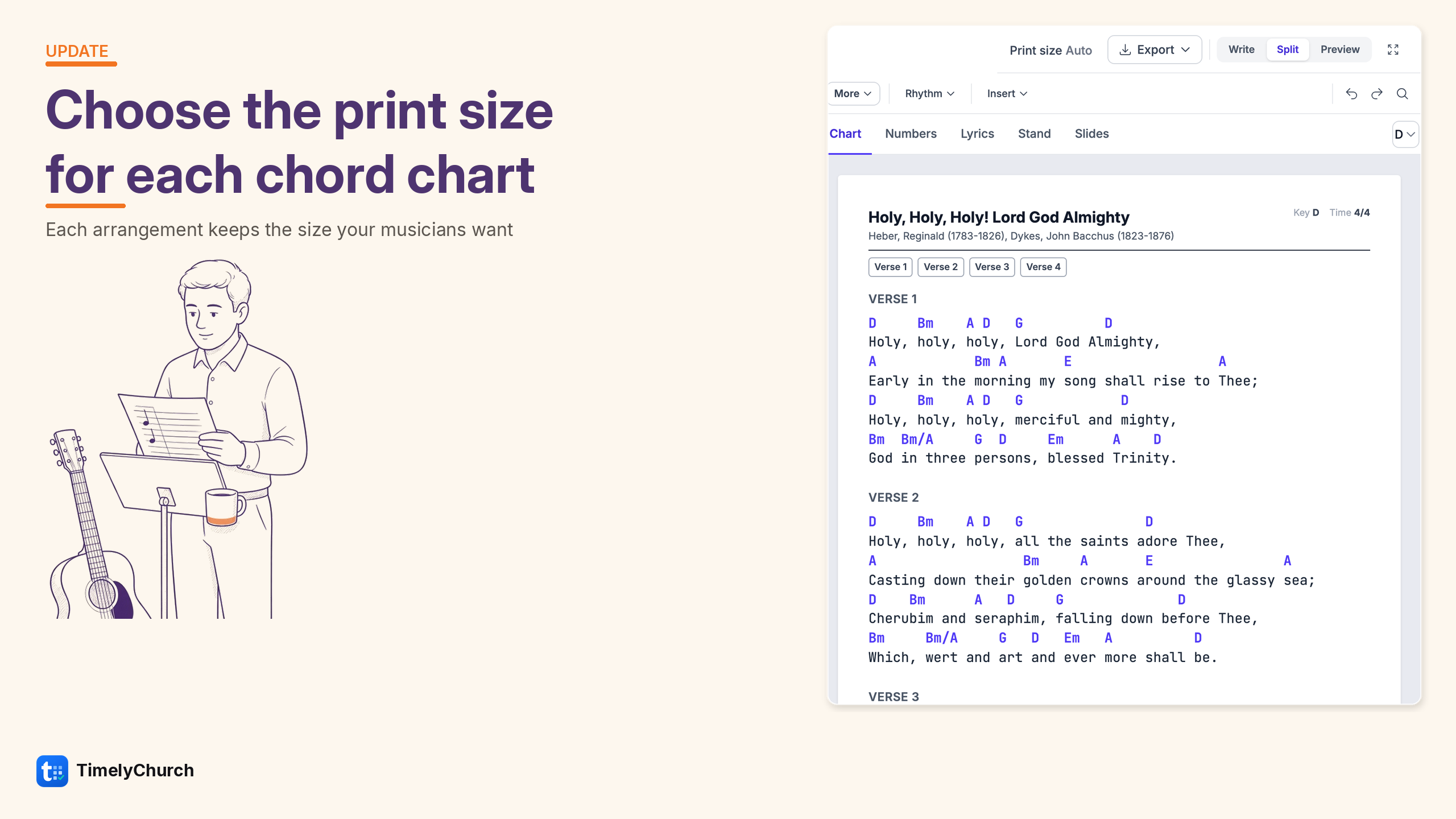
A chart that is easy to read on a laptop can be hard to read on a music stand. Each arrangement now has its own print size, so the chart prints the way your musicians want it.
Where to set it
Go to Worship, then Song Library, and open a song. Click Chord Chart, or click Edit chart on a particular arrangement. In the bar at the top of the editor, find Print size next to Export. On a phone it is in the More menu.
The choices are Auto, 8, 9, 10, 11, 12, 14, 16, 18, 20 and 24 pt. Pick one and it is saved for that arrangement. The next PDF you export uses it.
Auto leaves the size to TimelyChurch. If you pick a size that makes the song run onto more pages, a note tells you, for example that at 14 pt the song prints on 2 pages. You can then choose a smaller size or accept the second page.
The size belongs to the arrangement, so changing it on one arrangement leaves the song's other arrangements as they were.