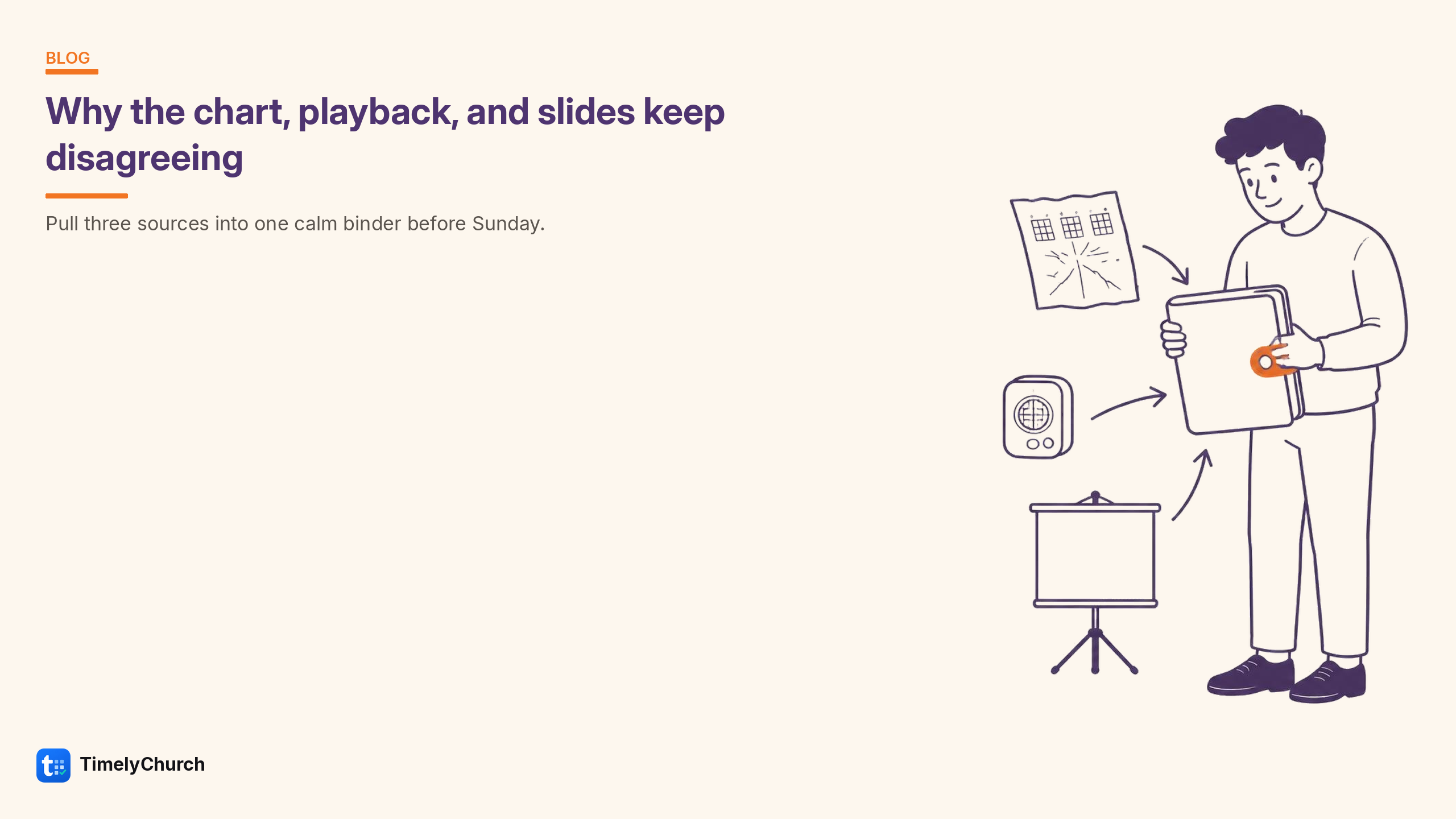
The band reaches the final chorus. Playback has another bridge. The slide operator has already arrived at the last line.
Each person may have prepared carefully. The trouble began earlier, when they prepared from different decisions: the recording, an old chart, and a message sent after rehearsal.
Before looking for another tool to connect, write down the musical agreement those tools are meant to carry.
A paragraph can prevent hours of rework
Here is a useful arrangement brief:
Acoustic version in D. Four-bar intro led by keys. Verse one, chorus, verse two, chorus, ending. No bridge. Final line twice, then stop together.
That gives the chart preparer, playback operator, and slide operator something they can check. Add a reference recording if it helps, but name any exception to it. Otherwise the recording can quietly overrule your written plan.
If a decision is still open, give it an owner and a deadline: “Leader will confirm the ending at rehearsal.” Now nobody needs to invent an answer while preparing alone.
Ask each person to confirm their part
The chart preparer checks the form, key, and cues. The playback operator checks count-in, repeats, and ending. The slide operator checks the words and the route through the presentation.
In a small church, one person may do all three. It still helps to change perspective deliberately. A chart can look excellent to its author while leaving the person advancing slides unsure whether the chorus repeats.
Check a distinctive moment together. “Show me where we skip the bridge” will reveal more than asking whether everyone has the latest file.
Send the consequence of a change
“Updated the second song” makes three people reopen their work and guess what changed. A useful message says:
Song two now ends after chorus two. Remove the bridge from playback and the slide sequence. The published chart is corrected; please confirm when your part is ready.
This names the change and the work it creates. A new chart does not prove that a previously imported presentation or programmed audio session has changed with it.
Keep the response proportionate. A chord correction may affect musicians without changing a word on the congregation’s screen. A new repeat or ending can affect everyone.
Where a shared song library helps
TimelyChurch connects library arrangements to setlists, My Stand, chart PDFs, and lyric-slide exports. You can revise a private chart draft and publish the version the team should use, reducing the need to retype the same material in several places.
The Sequence strip is a navigation guide; it does not rearrange the chart body, program playback, or determine every presentation repeat. Pro Song Sync can deliver updated exports to a media-computer folder, but the operator still imports or opens them in the presentation application.
If your team spends rehearsal reconciling conflicting files, explore TimelyChurch. Start with one song that regularly causes confusion. Write its arrangement brief, prepare the outputs, and check whether everyone can explain the same ending.