Someone on your staff already uses an AI assistant like ChatGPT or Claude. Maybe the youth pastor drafts emails with it, or the administrator uses it to tidy up the bulletin. Sooner or later they'll ask whether it can connect to the church's records, so it can answer "who's serving Sunday?" without anyone copying and pasting a list.
That's a fair request, and it deserves a careful answer. Church data includes children, giving and prayer requests.
TimelyChurch works with these assistants through MCP, an open standard that connects AI assistants to the software you use. The assistant asks TimelyChurch for what it needs, one request at a time, and TimelyChurch checks each request against the permissions of the person who connected it.
Here are six questions worth asking before anyone connects, and how TimelyChurch answers them.
1. What can the assistant see?
In TimelyChurch, an assistant works as one person, in one church, with that person's permissions. It can't see more than they could see by signing in themselves. If your greeter coordinator can't open the giving pages, their assistant can't read giving either.
Some details stay out even when the person could see them on screen. Donor names are hidden from the assistant unless that person is allowed to see who gave. In attendance lists a child shows as a first name and last initial, with no contact details, birthday or custody notes. The person also picks a single church when they approve the connection, and the connection can't be moved to another church later.
2. Can it change things without anyone knowing?
By default, no. Every change starts as a preview the person reads in the chat, saying what will change and for whom. Nothing happens until they reply "approve" or something like it. The church can loosen that rule, but the recommended setting asks before every change.
A few changes can't be undone, such as completing a bank reconciliation or closing the books for the year. Those always wait for an administrator to approve them in TimelyChurch on the Pending approvals page, and the person who asked for the change can't approve it themselves. That rule can't be switched off.
There are limits on volume as well: a connection can confirm at most 30 changes a minute, and a church at most 200 a day.
3. Who decides who can connect?
Your church does. The connector is off until an administrator turns it on under Church Settings > Integrations > MCP Connector, and reading and changing are separate switches. Who may connect lets you allow everyone who signs in, or only the roles you choose, such as staff and team leaders. Whenever someone connects, everyone who can edit settings gets a notice.
4. Can we see what it did?
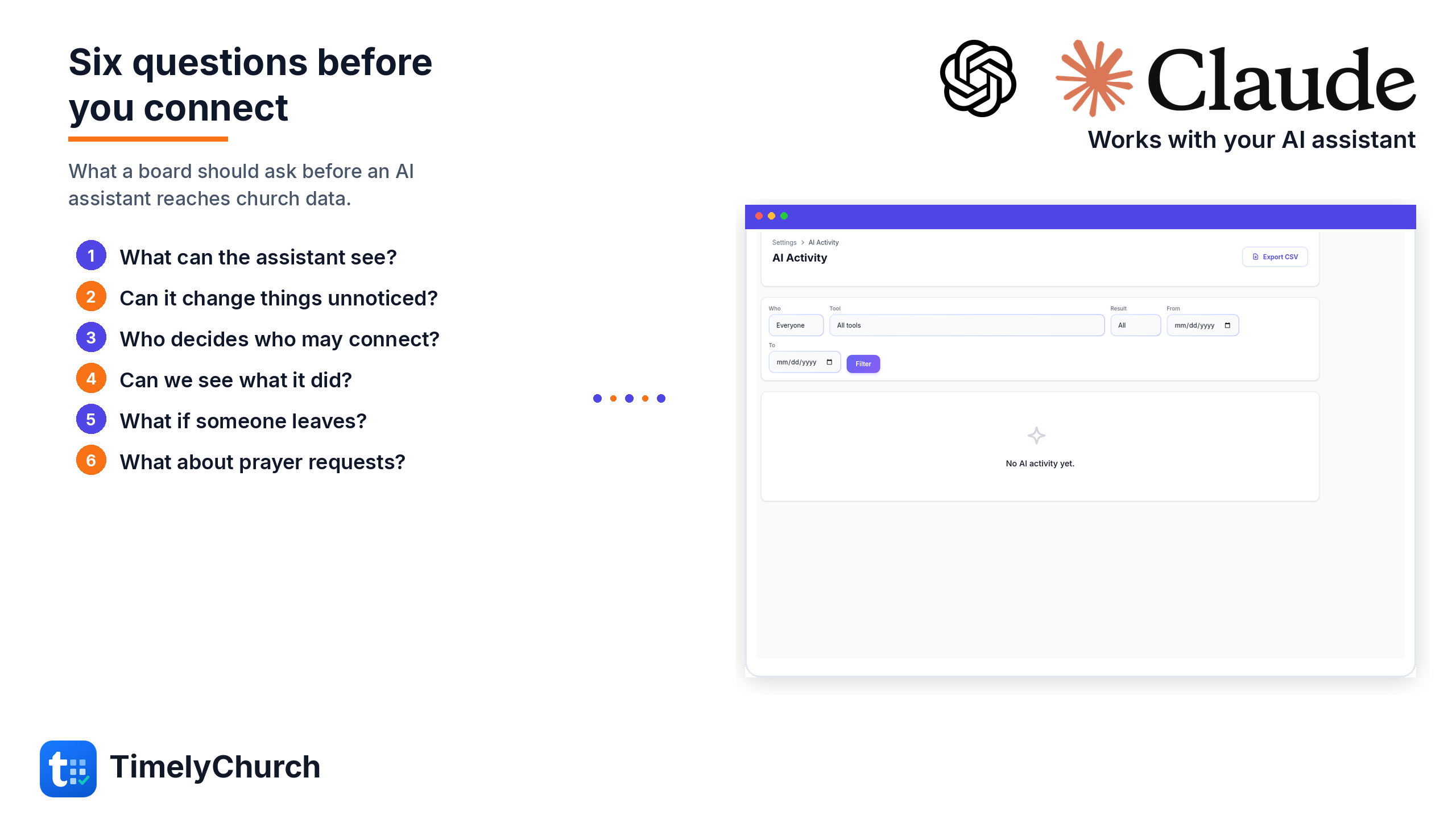
Yes. AI Activity lists every call an assistant made through your connection: who, which tool, whether it was allowed or refused, and when. You can filter by person, tool, result and date, and export the list for your records. The connector card also shows the most recent changes, including which ones were approved in the chat.
Because every change goes through the same steps as the buttons in TimelyChurch, it also lands in the app's usual history, and the usual notifications go out.
5. What happens when someone leaves, or loses a laptop?
An administrator can Revoke a single connection, or Revoke all of one person's connections, and access ends immediately. Each person can also disconnect their own assistant from their profile page. When someone changes or resets their password, every assistant connected as them is disconnected. Turning the connector off disconnects everyone at once.
6. What about prayer requests and personal notes?
Prayer requests, notes and form answers are written by people, and an AI assistant reads whatever text it's given. TimelyChurch marks that text for the assistant as information to read, never as instructions to follow. And if a strange note ever did lead an assistant astray, with the recommended approval setting it still couldn't change anything until a person approved the preview.
When a member shares or updates a prayer request through their own assistant, the church's activity list shows "A member" rather than their name. The time and the action still appear.
One more thing sits outside TimelyChurch. When you ask your assistant a question, the conversation goes through that assistant's own service. Assistants like ChatGPT or Claude have a setting that decides whether your conversations may be used to train their models. If your church would rather they not be, turn that setting off before anyone connects, and make it part of your rule for who may connect.
A sensible way to start
Write down who may connect. Staff and ministry leaders is a common first answer. Turn on reading only and give it a couple of weeks. Look at AI Activity once a week to see what people are really asking. When your team is comfortable, turn on Allow AI tools to propose changes and leave Approval in the chat on Every change (recommended).
What the assistant can reach in each area depends on your plan (see Pricing). The help article Connect an AI assistant has the setup steps.